BrewPage
Free HTML and Markdown hosting that turns a pasted or dropped page into a shareable link in seconds, with no signup
BrewPage is free HTTPS hosting for HTML, Markdown, multi-file sites, AI artifacts and files. Paste or drop a page and get a shareable link in seconds, with no signup. AI agents such as Claude Code and Codex can publish too, through the BrewPage MCP server or the REST API. With Page data, a page saves what visitors enter, such as answers, votes and scores, and you read every entry on the page's Data tab. You choose public or private, can add a password and set how long the page stays online.
@brewcast_ai- Let your AI agent publish
- Pages that save what visitors enter
- HTML, Markdown, sites and files
- Platforms
- Web browser (Chrome, Firefox and Safari)
- Price
- 100% free
Features
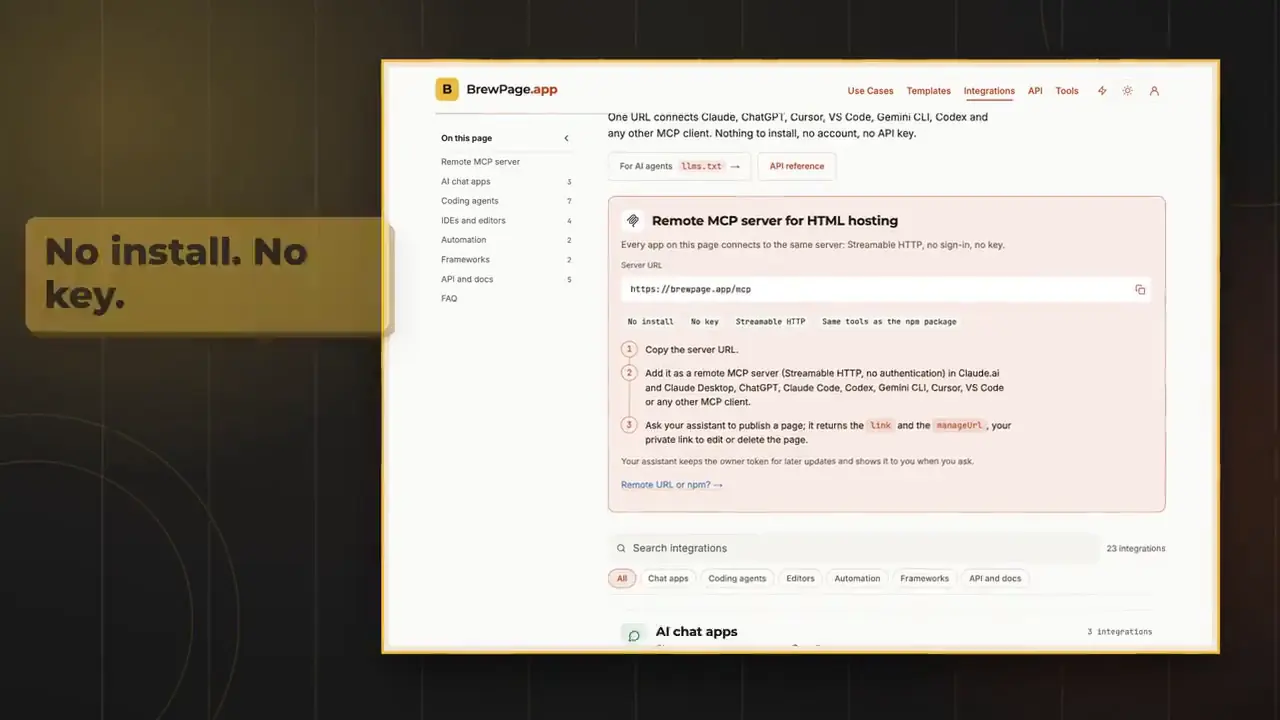
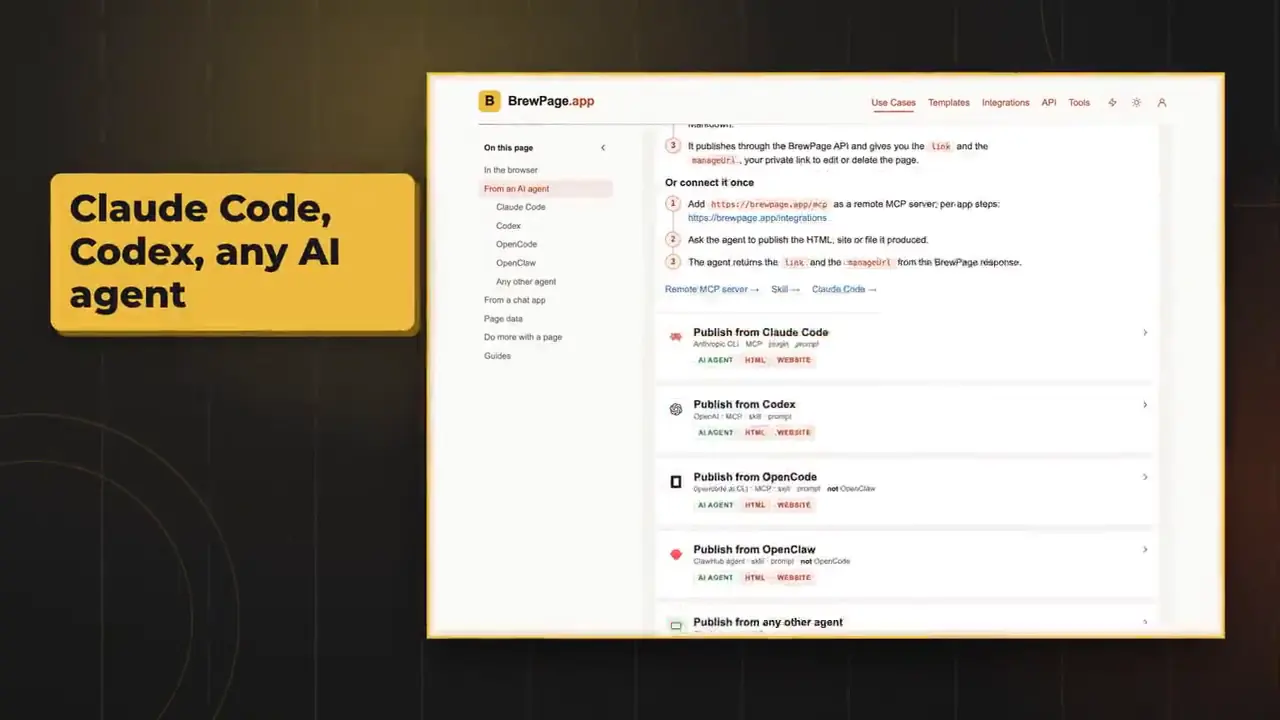
Let your AI agent publish
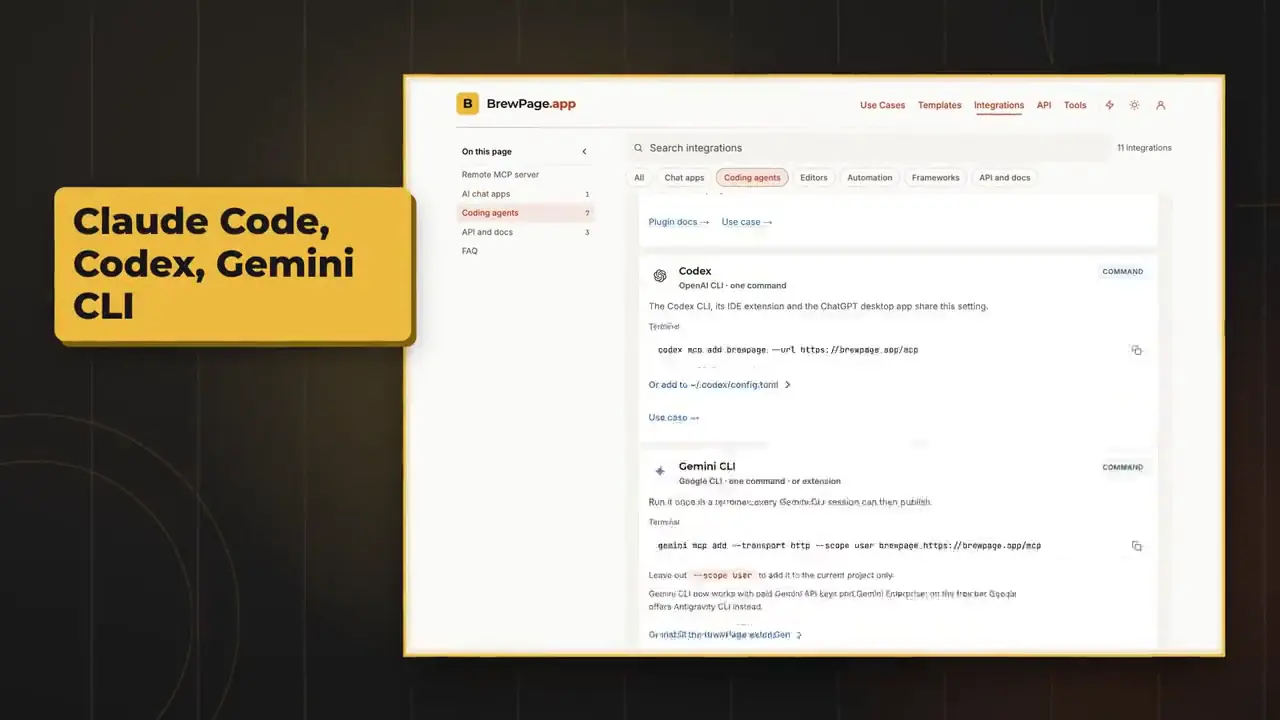
Add https://brewpage.app/mcp as a remote MCP server in Claude, ChatGPT, Claude Code, Codex, Gemini CLI, Cursor, VS Code or any other MCP client.
There is nothing to install and no API key.
Ask your assistant to publish a page and it returns the link and the manageUrl, your private link to edit or delete the page.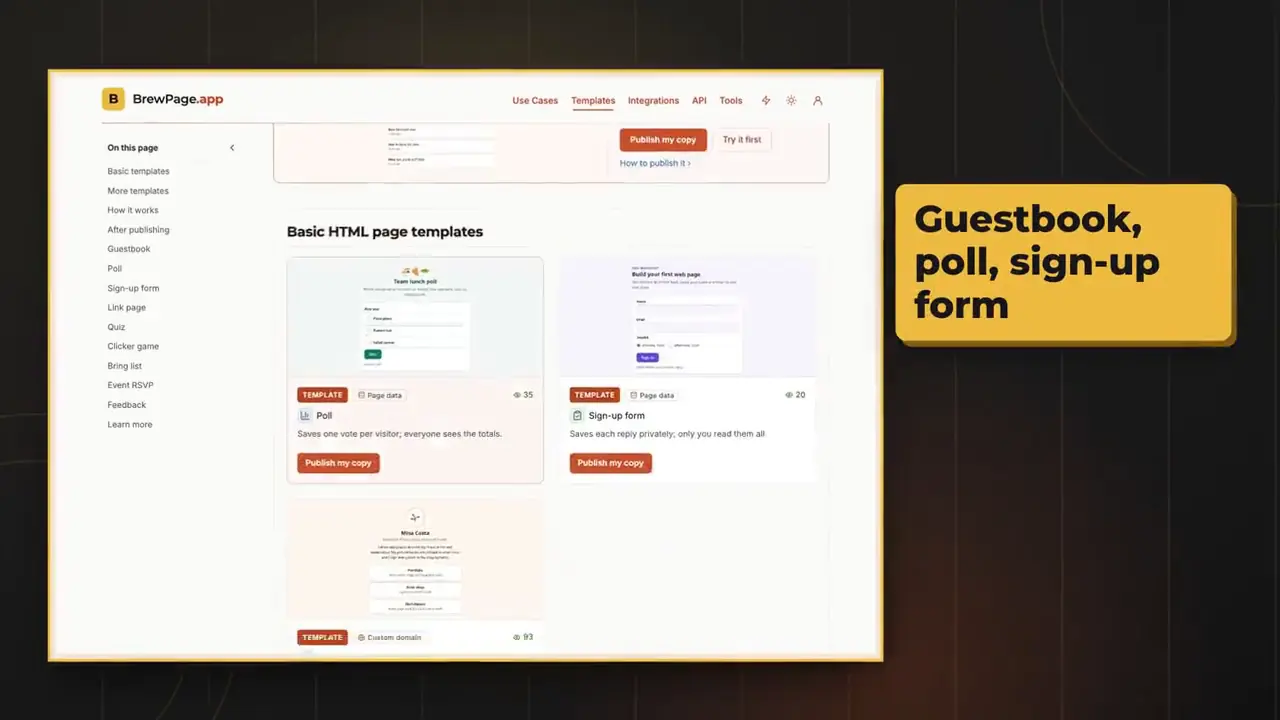
Pages that save what visitors enter
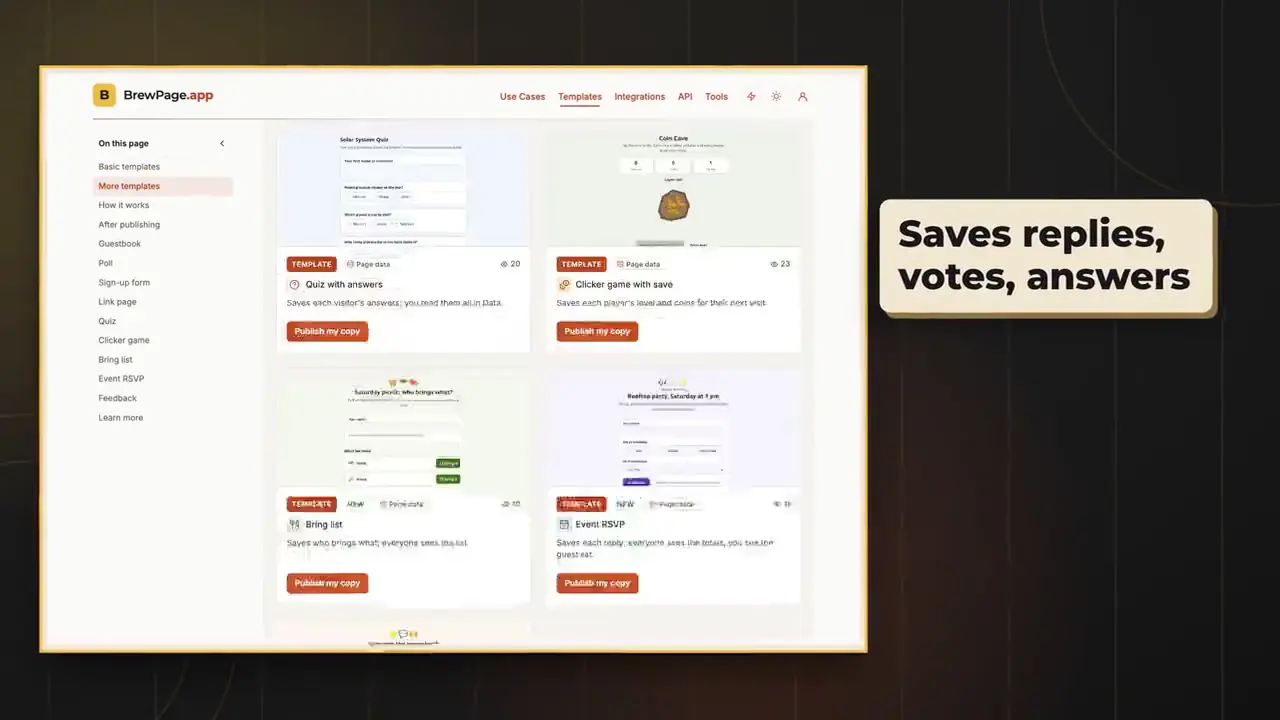
Turn on Page data when you publish, and your page saves answers, votes and scores with no server, database or key of your own.
You read, download and delete every entry on the page's Data tab.
Templates such as the guestbook, the poll and the sign-up form already have the saving script.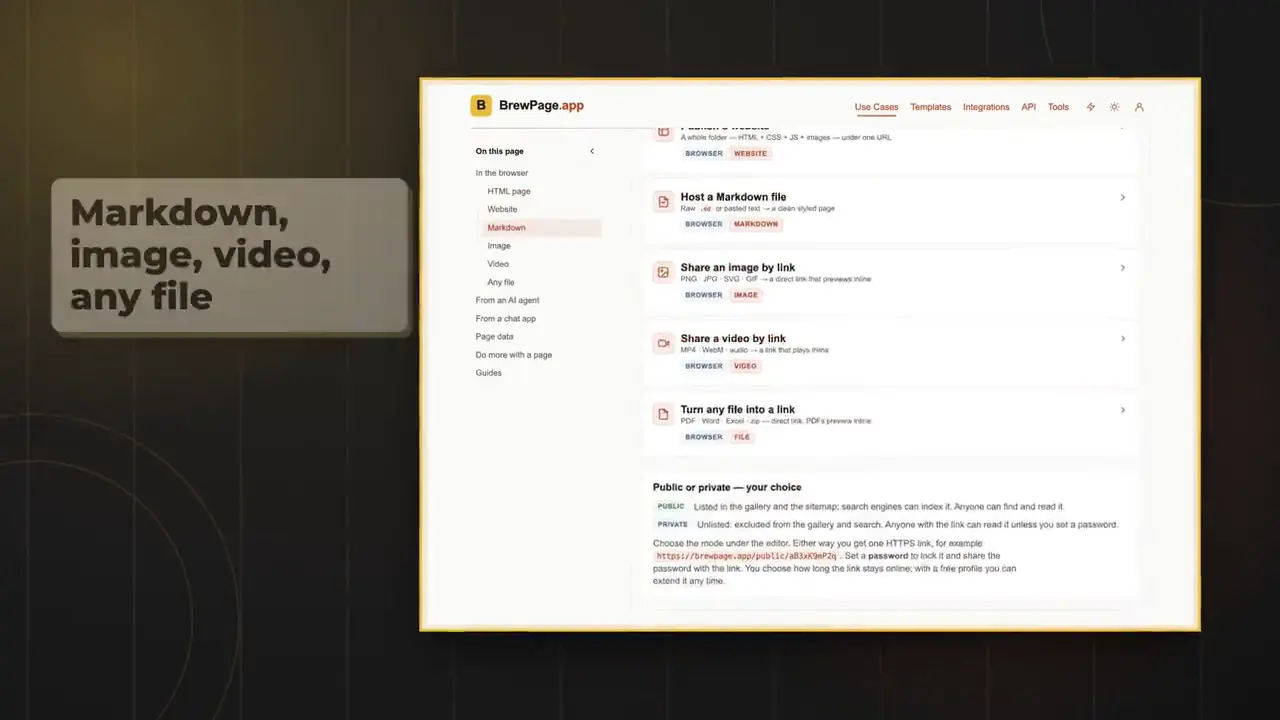
HTML, Markdown, sites and files
Markdown turns into a clean, styled page, and a folder or a .zip becomes a site under one URL.
Images, video and files such as PDFs and Office documents get a link too.
How it works
Publishing a Markdown page
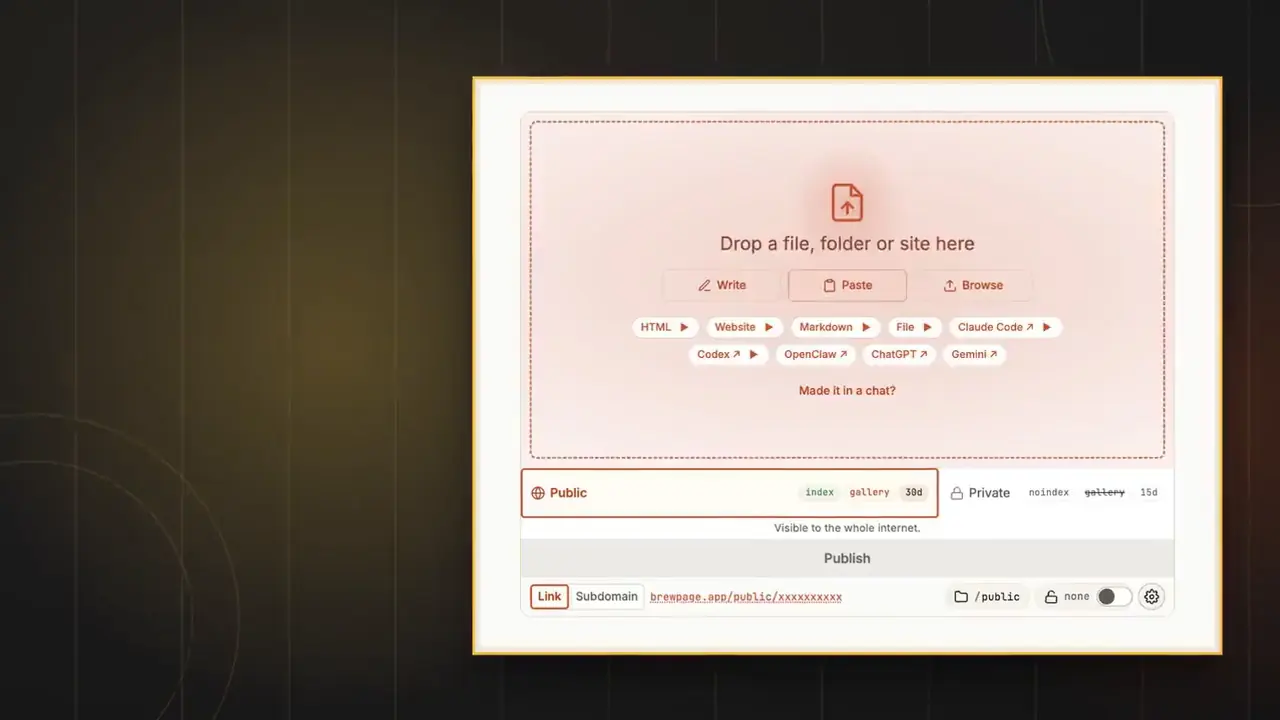
Press Write
Open the BrewPage editor and press Write.
You can also drag a file onto the dropzone.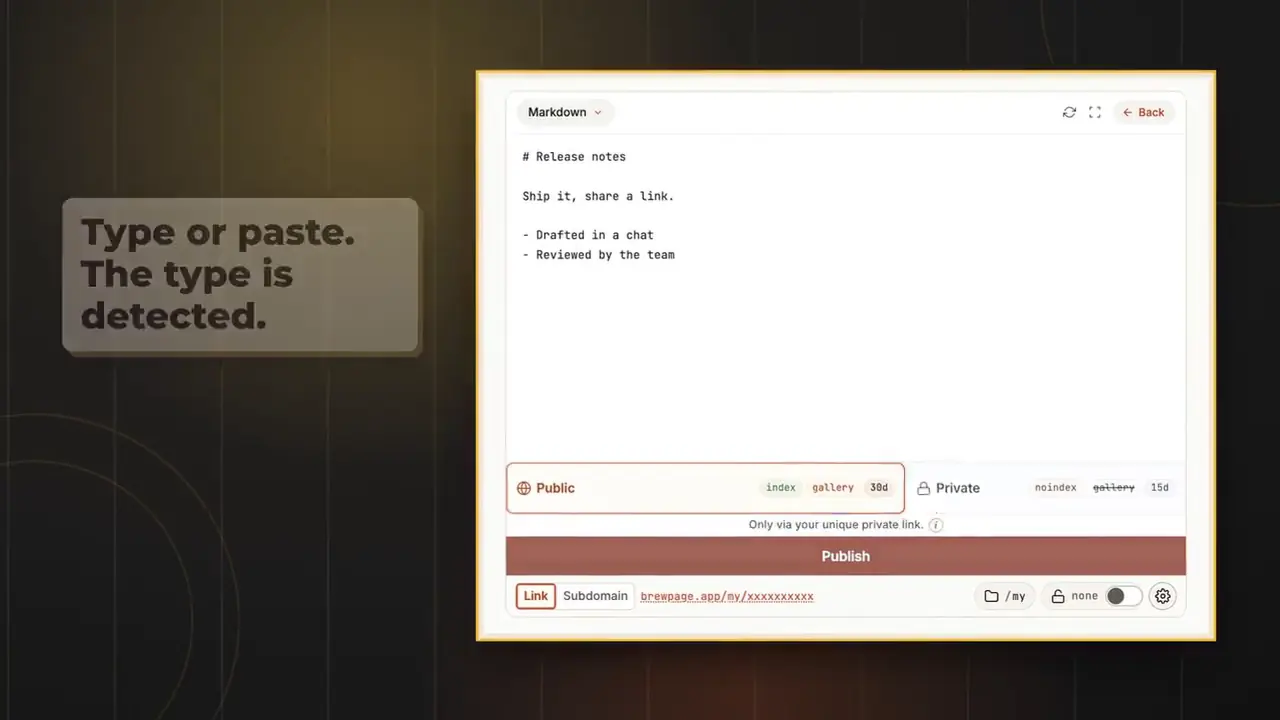
Paste your Markdown
Paste your Markdown text, or drop a .md file onto the dropzone.
The editor shows Markdown by itself.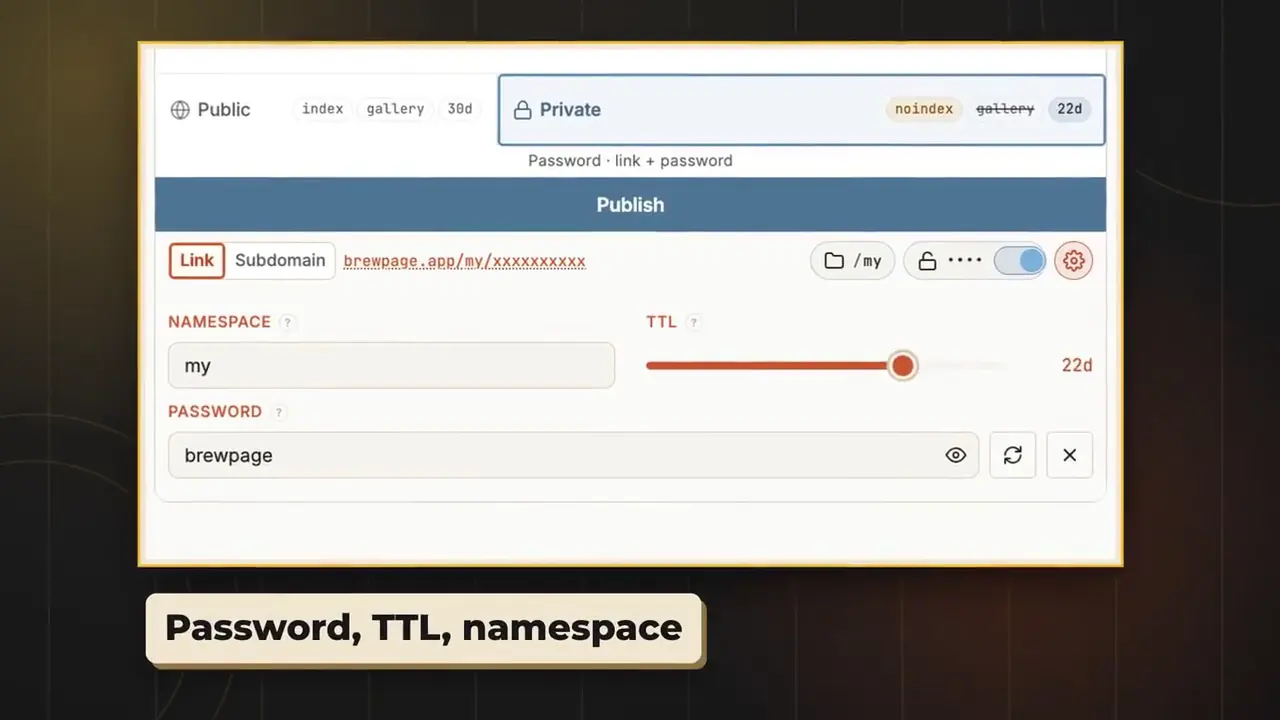
Set the options and press Publish
Optionally set a namespace, password or retention, then press Publish.
Share the link and your reader sees a fully styled page, not raw text.
Who it's for
- People who make an HTML page or report with Claude, ChatGPT, Gemini or a coding agent and want to share it as a link
- People who want a guestbook, a poll or a sign-up form without a backend of their own
- People who want to publish the report a build writes from a GitHub workflow or an n8n flow
Screenshots
Pricing and availability
- Where to get it
- brewpage.app in the browser, or from AI tools through MCP and the REST API
- Price
- 100% free
- Platforms
- Web browser (Chrome, Firefox and Safari)
Maker

The site's footer reads © 2026 BrewPage.
Its FAQ lists brewcode.app as the parent project, along with brewpage-action for GitHub workflows, brewpage-cookbook with examples and brewpage-openapi with the OpenAPI spec and MCP server source.
FAQ
Is BrewPage free?
Yes. The official FAQ says it is 100% free.
HTML and Markdown pages can be up to 5 MB, files 5 MB and video up to 20 MB.
How long does a page stay online?
You choose how long with the TTL slider when you publish.
With a free profile you can extend a page whenever you like.
A page is removed when its time runs out or you delete it, and there is no recovery.
Who can see my page?
A page in the public namespace without a password is listed in the gallery and the sitemap.
Search engines can index it, and anyone can read it.
A custom namespace keeps it out of the gallery and search, but anyone with an unpassworded link can read it.
A password-protected page opens after the reader enters the password, and it is never listed.
The official FAQ says never to put secrets on a public page.
BrewPage
Free HTML and Markdown hosting that turns a pasted or dropped page into a shareable link in seconds, with no signup
Visit the official site