Desktop Ball
A little toy ball that lives on top of your desktop
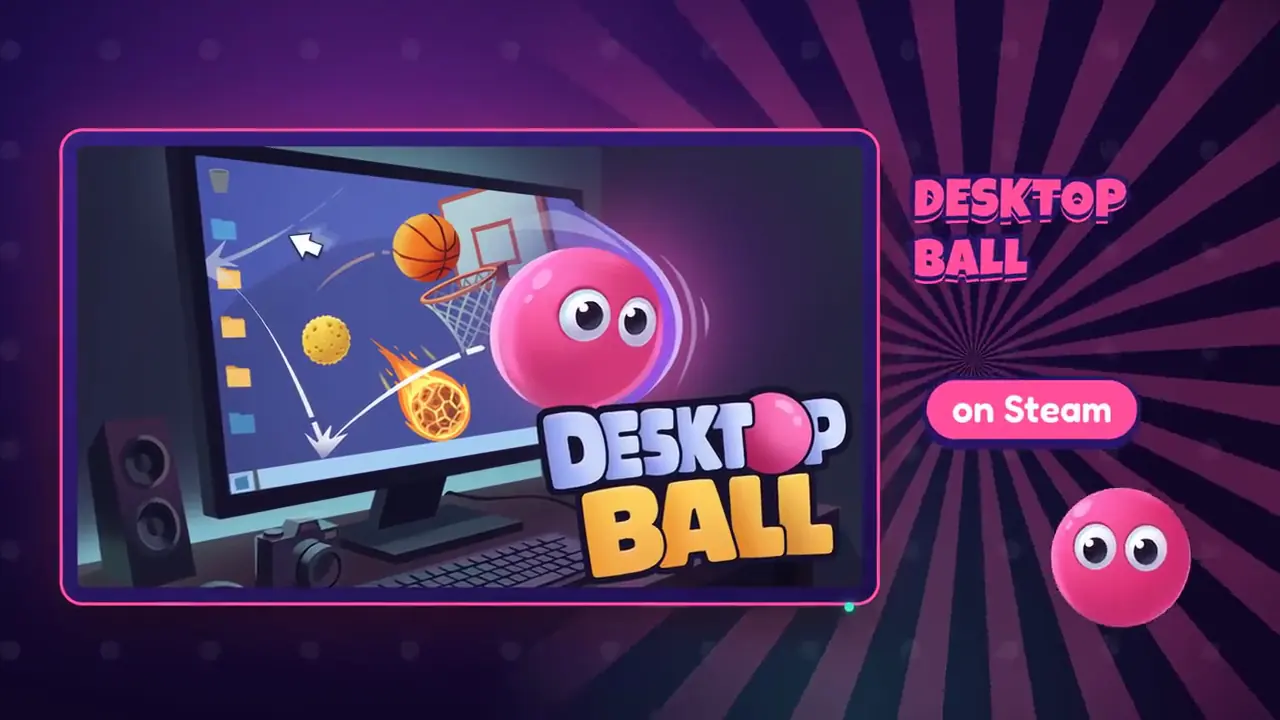
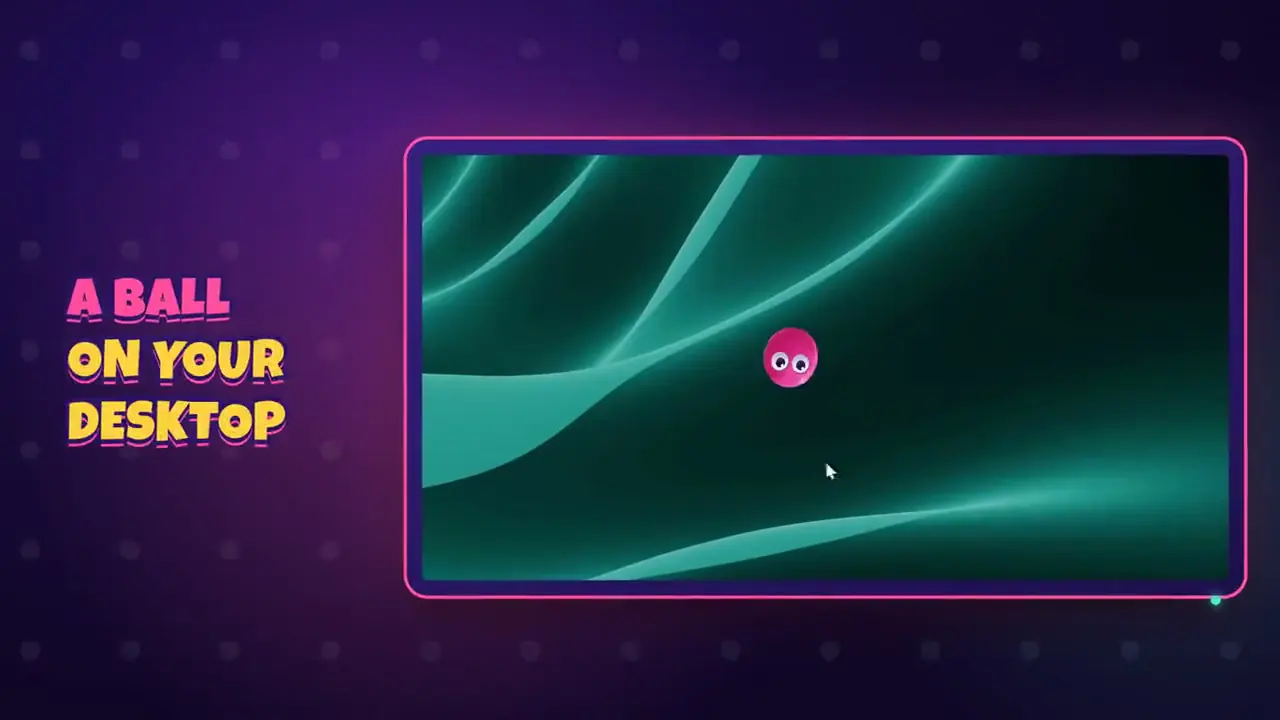
Desktop Ball is a little toy that lives on top of your desktop, sort of like a digital fidget spinner. Grab the ball, fling it around and bounce it off the edges of your monitors, and when you stop playing it gets out of the way so everything else works underneath. There are seven balls so far, and they can blow up your desktop, zap it, flood it, haunt it or grow a garden all over it.
@mrcaleidon- Supernova and Tesla: fire and thunder
- Sprout and Ghost: a garden and a haunting
- Spongeball and Basketball: an ocean and a hoop
- Platforms
- Windows, macOS
- Price
- $4.99 (US Steam store)
Features
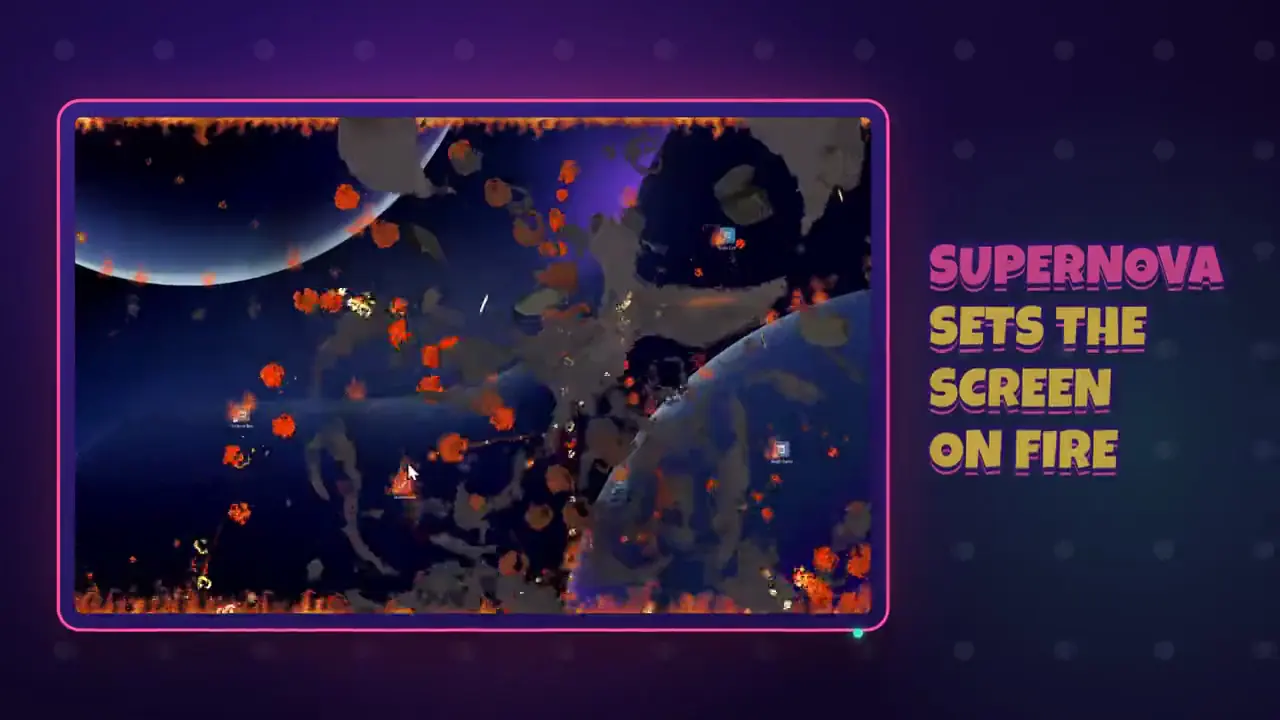
Supernova and Tesla: fire and thunder
Pin the Supernova against an edge until it gets dangerously hot, and it goes off in a thermonuclear explosion that sets your screen on fire.
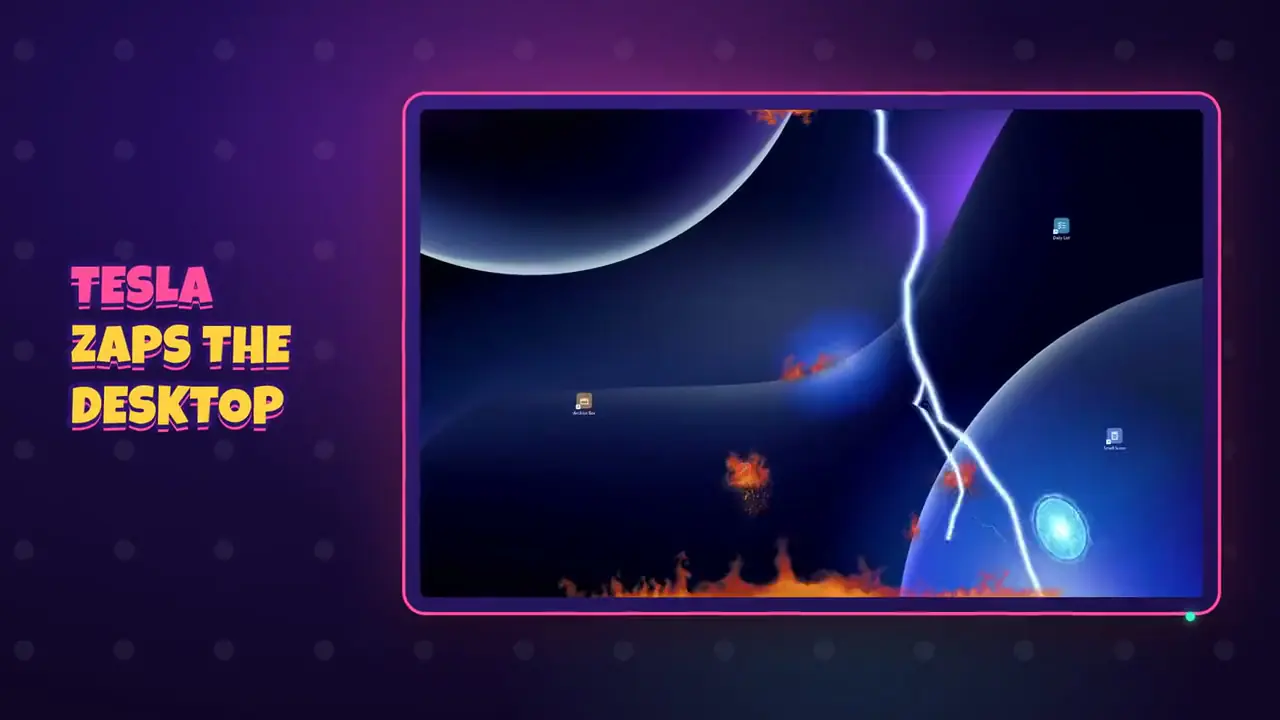
Charge Tesla against an edge and throw it hard, and thunder strikes. Even your mouse gets charged up and starts zapping things.
Sprout and Ghost: a garden and a haunting
Sprout turns your desktop into a little garden. Roll it along the edges to grow flowers, or squeeze it to grow vines all over your screen.
Ghost haunts your desktop. Every throw leaves a little ghost behind, and if you squish it into a wall they just keep coming.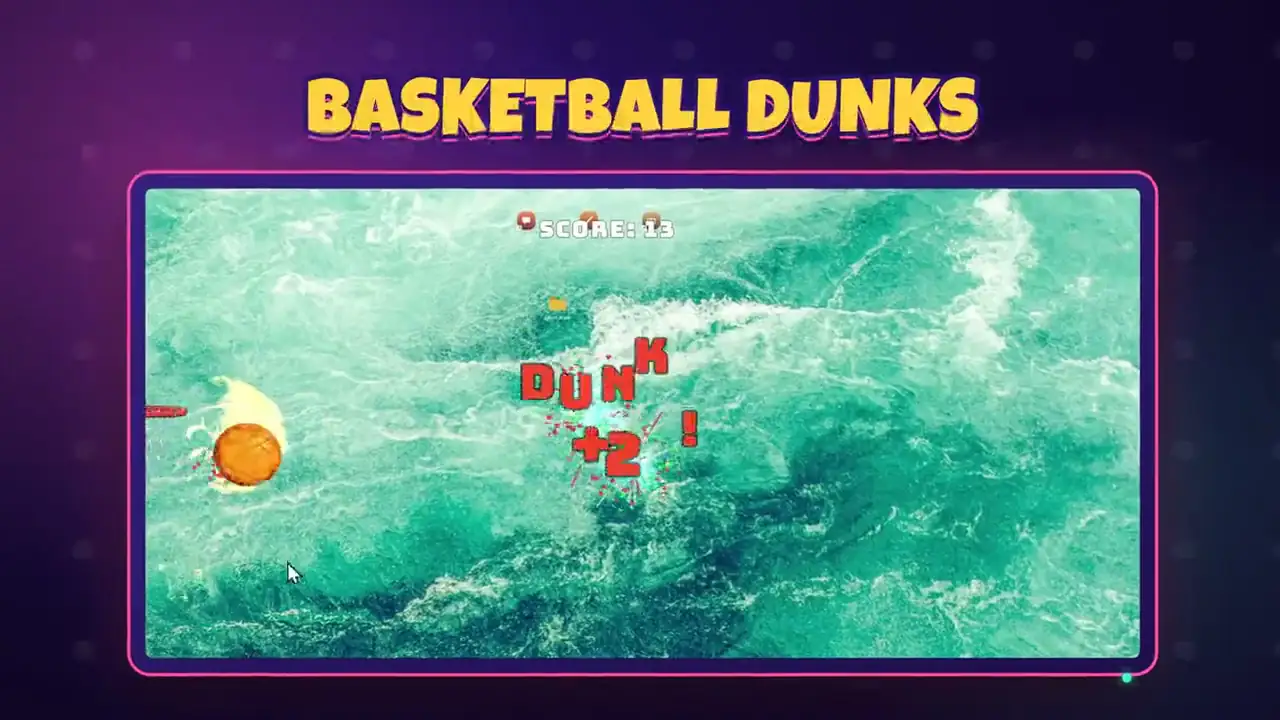
Spongeball and Basketball: an ocean and a hoop
Spongeball turns your screen into a tiny ocean with a little school of fish. Let the sponge soak up water, then wring it out against your monitor.
The Basketball slides its own hoop out from the side of your screen for bank shots, trick shots and dunks.
How it works
Playing with a ball
Grab it, fling it, bounce it
Grab the ball, fling it around and bounce it off the edges of your monitors.
A mouse or trackpad is required.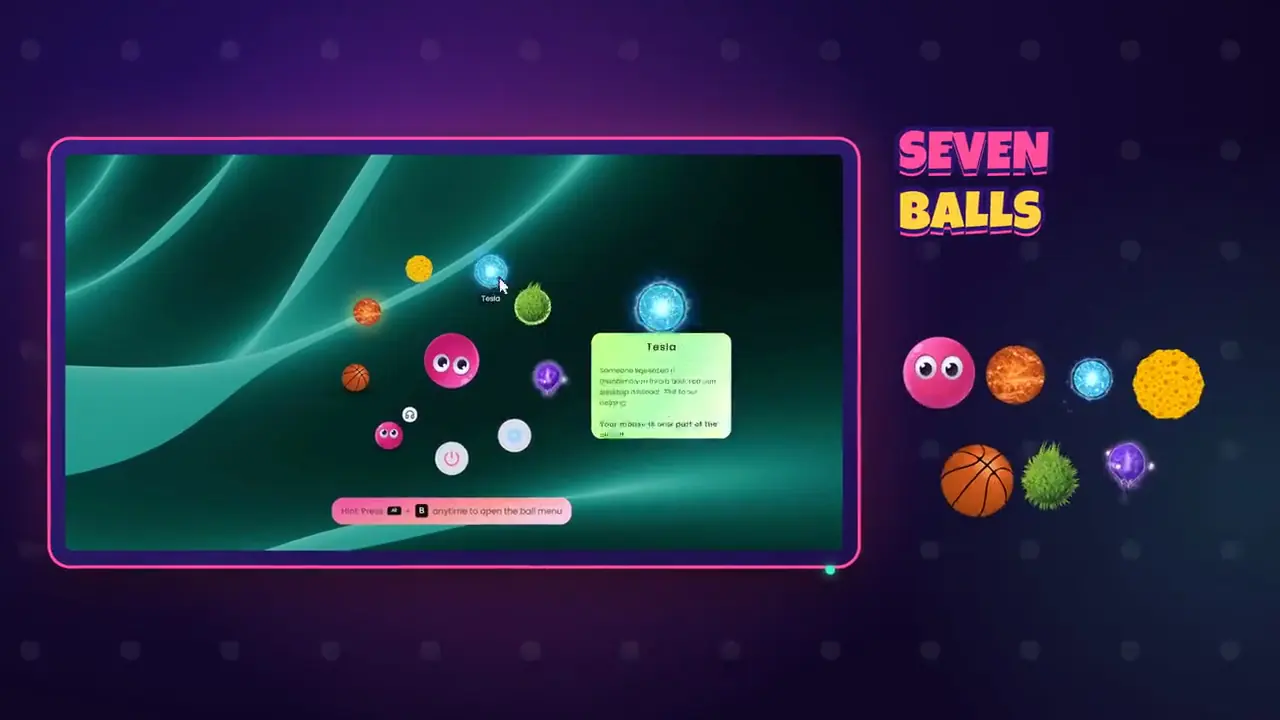
Right-click to swap balls
Right-click any ball to swap it for another.
Each one has its own little backstory.
Who it's for
- People whose hands want something to do in a queue, a meeting, a compile or a render
- People who have had a rough day (the Steam page says Supernova and Tesla are for them)
Screenshots

Pricing and availability
- Where to get it
- Steam
- Price
- $4.99 (US Steam store)
- Platforms
- Windows, macOS
Maker

The Steam page lists Emergent Behavior Studios as both developer and publisher.
The store description ends with a note from the maker, who writes that they lost an embarrassing amount of time just playing Desktop Ball instead of making it.
FAQ
Is there a demo?
Yes. Steam lists a “Desktop Ball Demo”.
Does it support Japanese?
Yes. The Steam page lists 13 languages, including English and Japanese.
Does it get in the way of my other apps?
When you stop playing, it gets out of the way so everything else just works underneath.
It hides itself if you go fullscreen, or you can tuck it in a Magnetic Corner.
What computer do I need?
The minimum requirements on Steam for Windows are Windows 10 64-bit, a dual-core 64-bit CPU (Intel Core i3-6100 / AMD FX-6300 or equivalent) and 4 GB RAM.
The rest are a DirectX 11 compatible GPU with 1 GB VRAM (Intel HD 520 or equivalent) and 1 GB of available space.
macOS requires an Apple processor, with a minimum of macOS 12.0 Monterey or later, an Apple M1 and 8 GB RAM.
Both need a mouse or trackpad.