Memory Bucket
An AI record-keeping app for iPhone: just talk to save records, and ask to get them back when you need them
Say what comes to mind in the order it comes, and the AI interprets it and stores it as a memory. To get something back, you just talk to it, for example "Tell me how my weight has changed over the past week," and it sums things up in the form you need at that moment. There is only one input screen, and you can record with text, voice or images.
@ceomemorybucket- Just talk to record
- Ask to get records back
- Thoughts and feelings are kept too
- Platforms
- iPhone (iOS 16.4 or later), Japanese only
- Price
- Basic: ¥500/month (tax included), Premium: ¥1,500/month (tax included) (billed through the App Store; first-time users get 14 days free)
Features
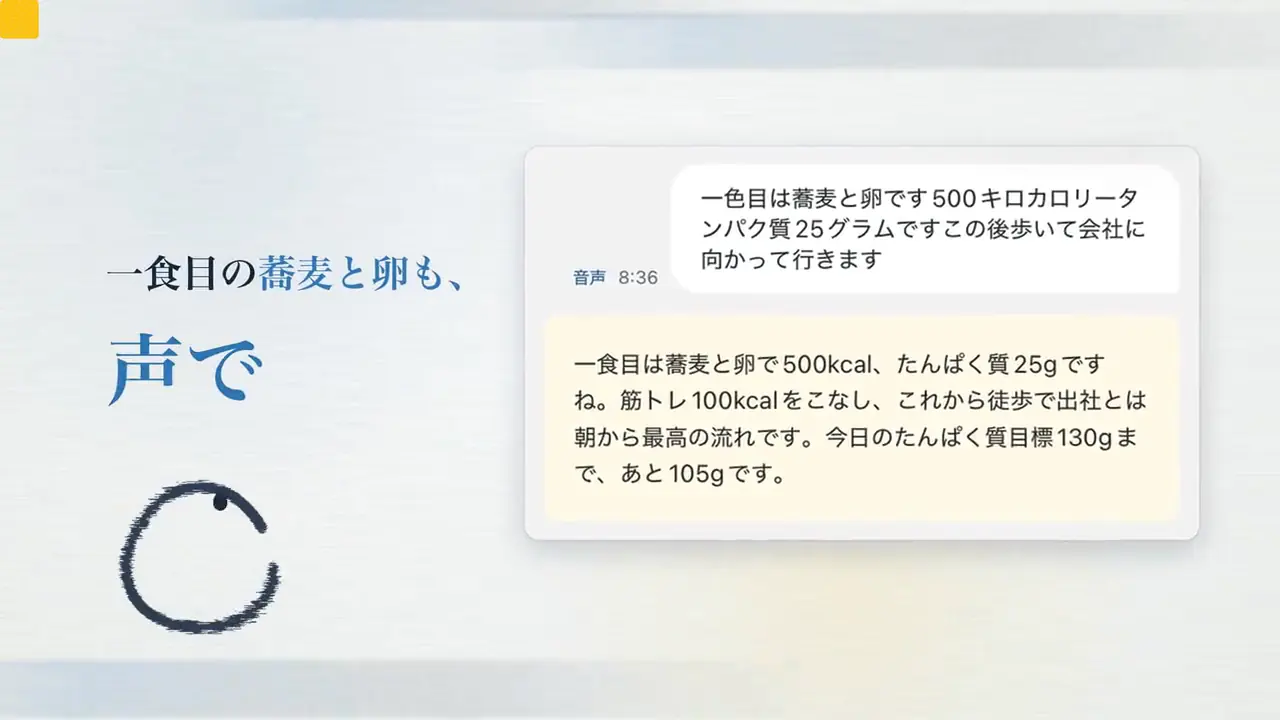
Just talk to record
No need to think about where to put a record or to organize it.
Just say what comes to mind, and the app understands it and organizes it into a form that is easy to use later.
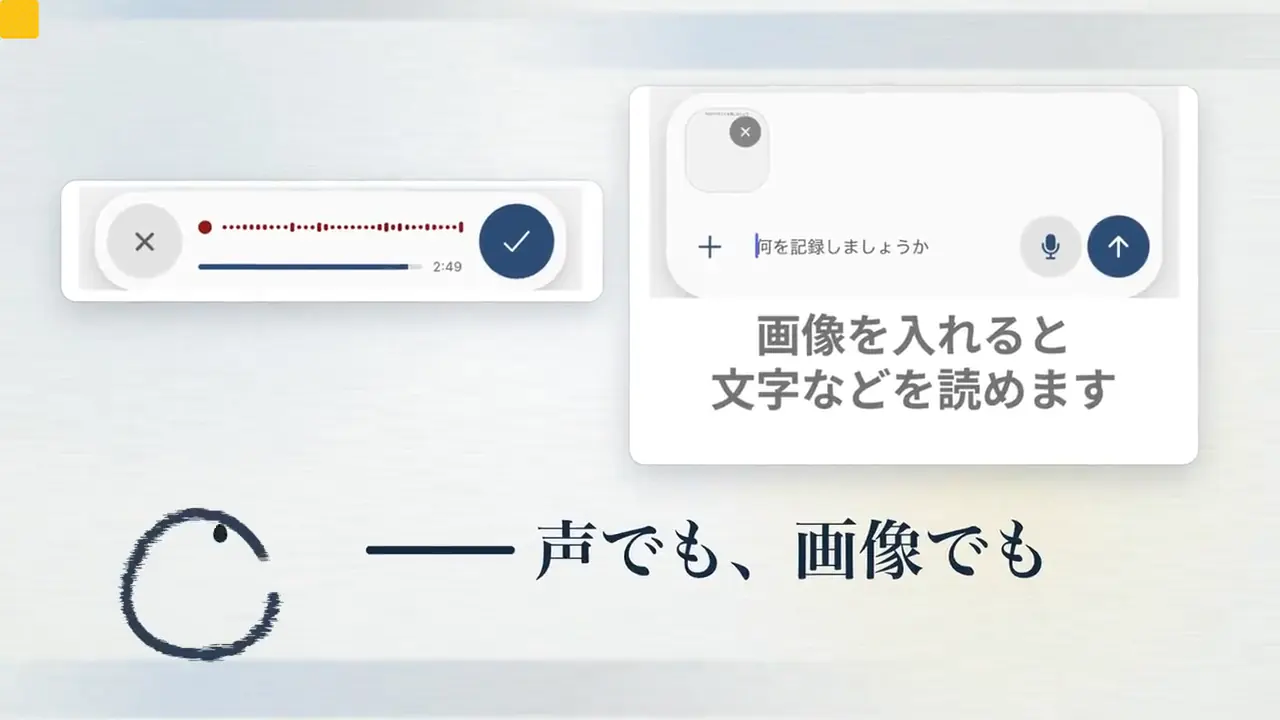
You can also record with text or images.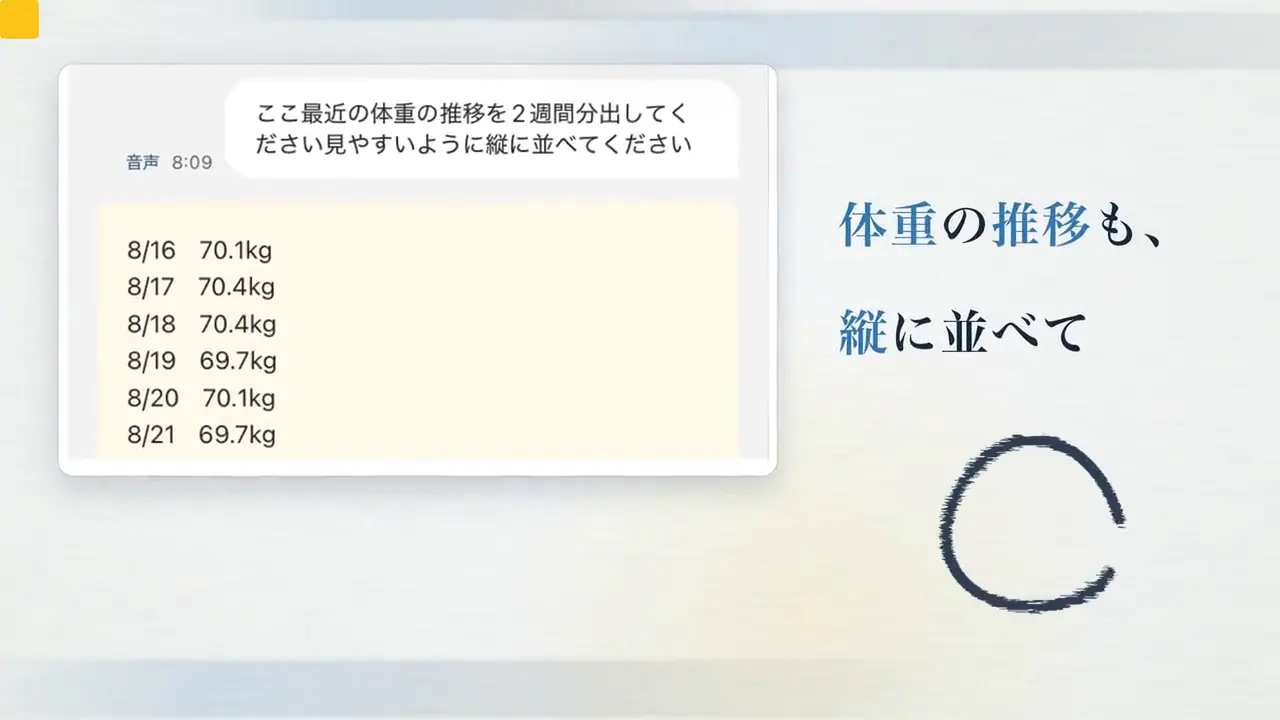
Ask to get records back
Getting records back works the same way.
Ask something like "Tell me how my weight has changed over the past week," and it sums things up in the form you need at that moment.
You don't need to remember keywords or open folders.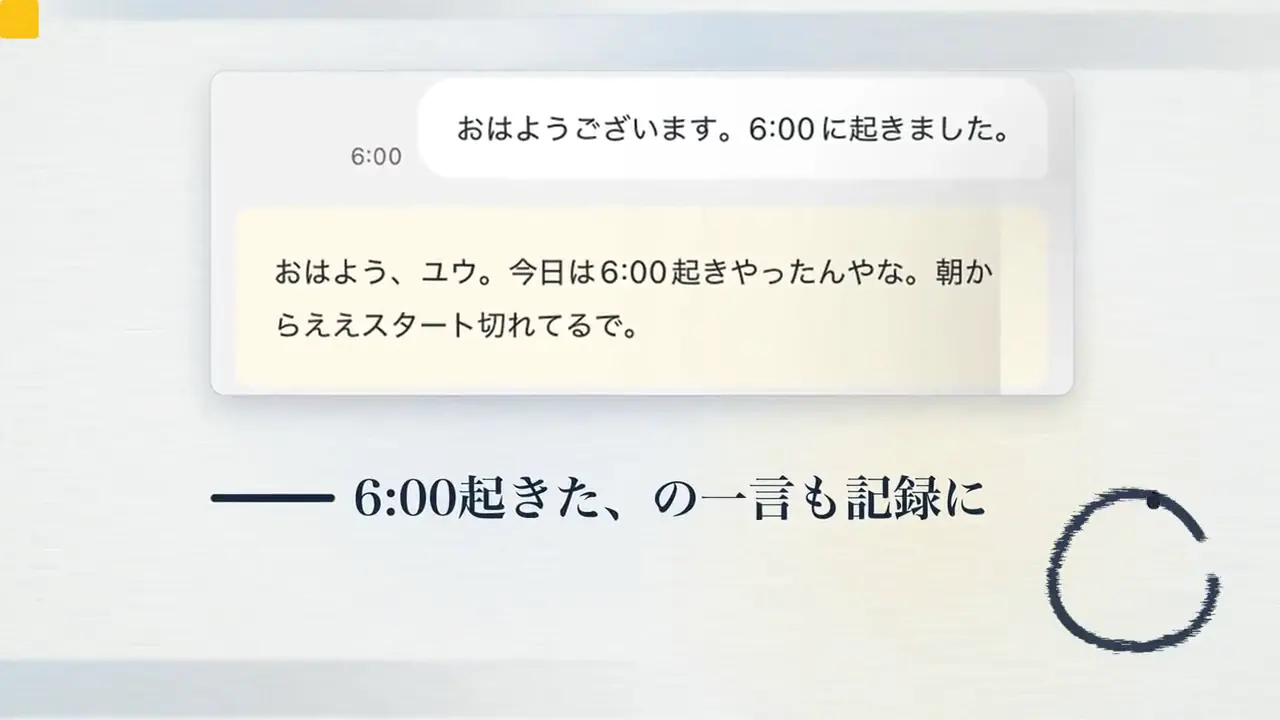
Thoughts and feelings are kept too
It keeps more than numbers and plans.
What you were thinking and how you felt at the time are kept too.
On days when keeping going feels hard, it can encourage you with your own past words.
How it works
From recording to reading the next day's diary
Record
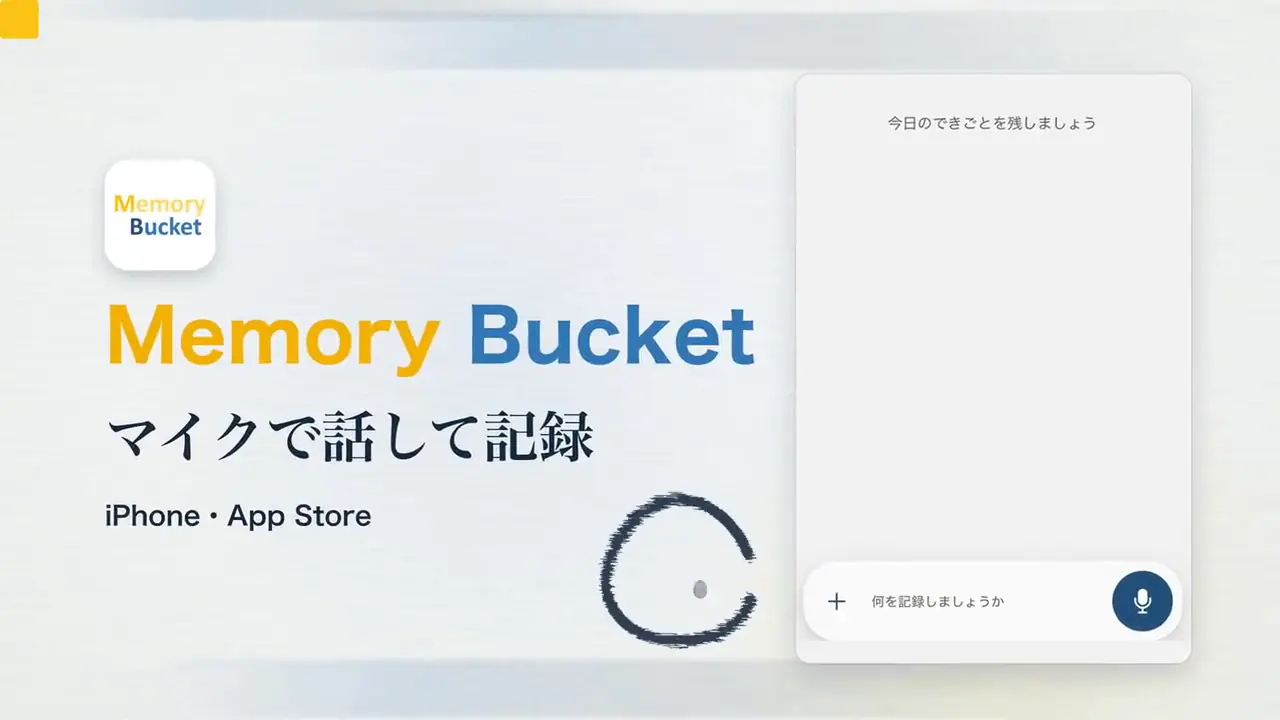
For text, type in the input field and send it with the up-arrow button.
For voice, tap the mic button and speak, then tap the check button when you're done.
For images, attach one with the plus button, and you can add text or voice along with it.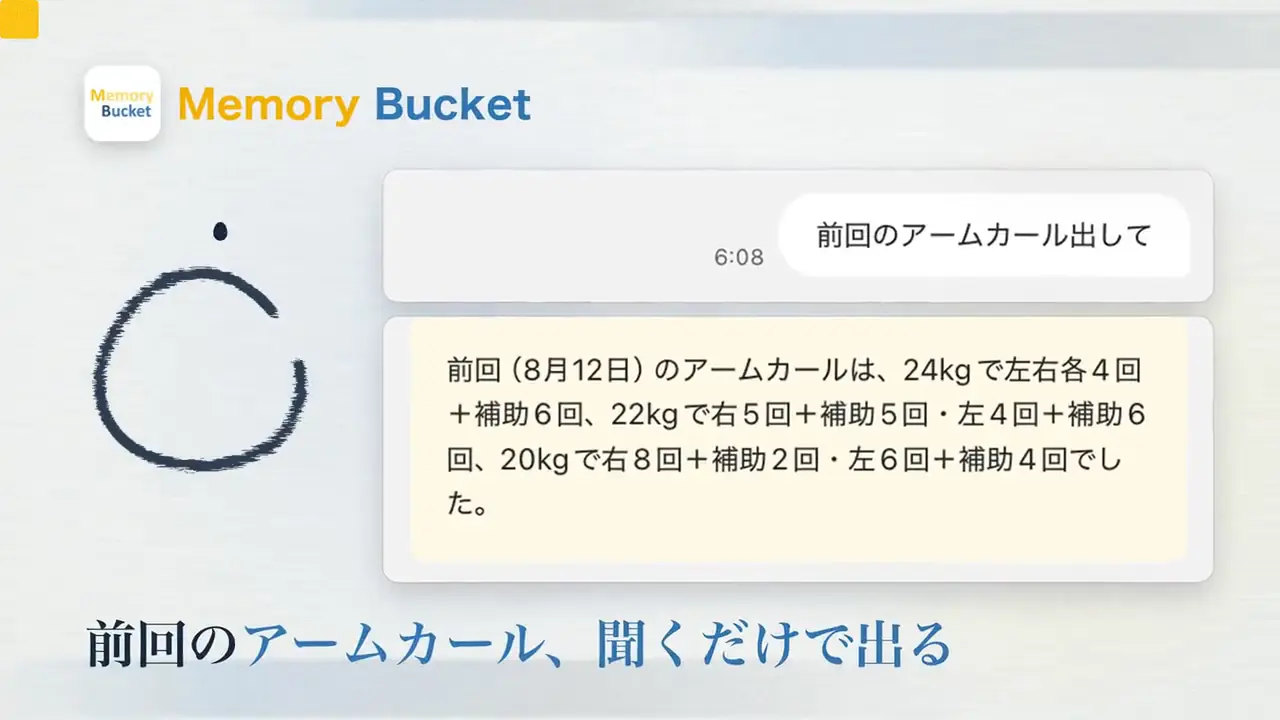
Ask for a record
Ask what you want to know about your records as it is, for example "Show me my last bench press record."
You don't need to go looking for it yourself.
You can also ask for a summary and name the topic or period, as in "Summarize today."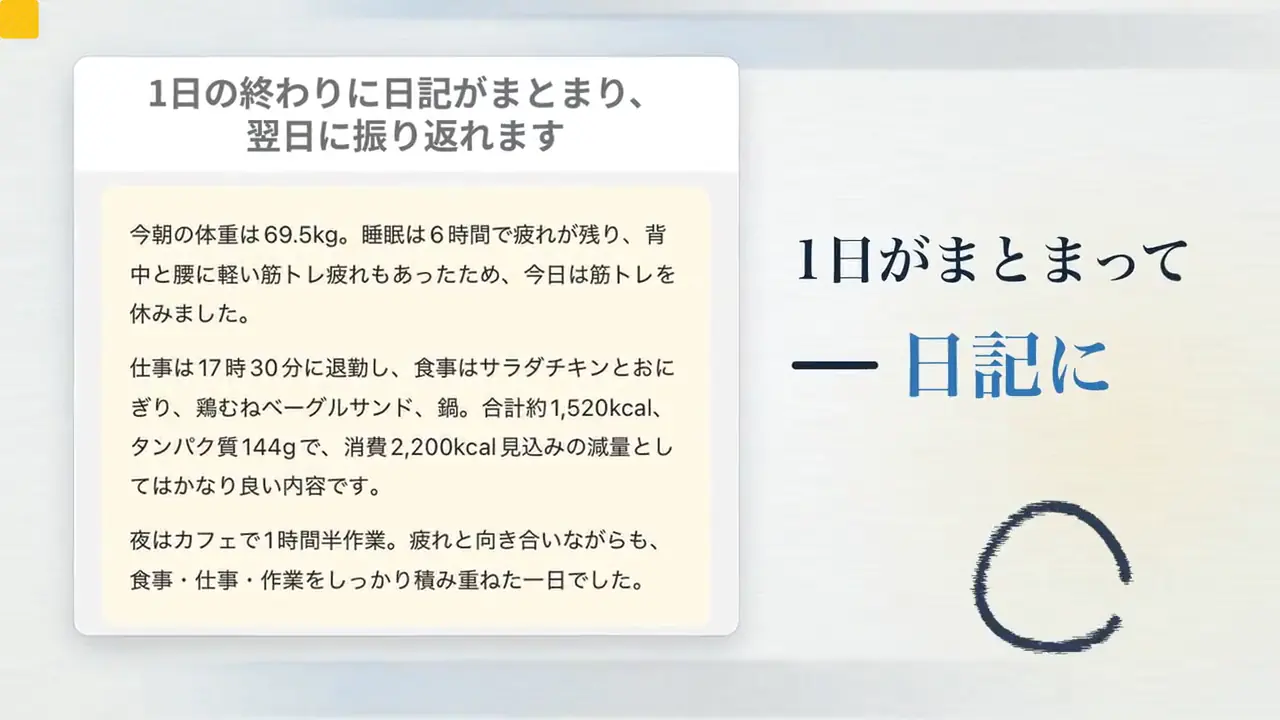
Read yesterday's diary
Once you have recorded a day, a diary for it is created automatically the next day.
Open "過去の記録" (past records) from the clock button at the top right of the home screen to read it.
Who it's for
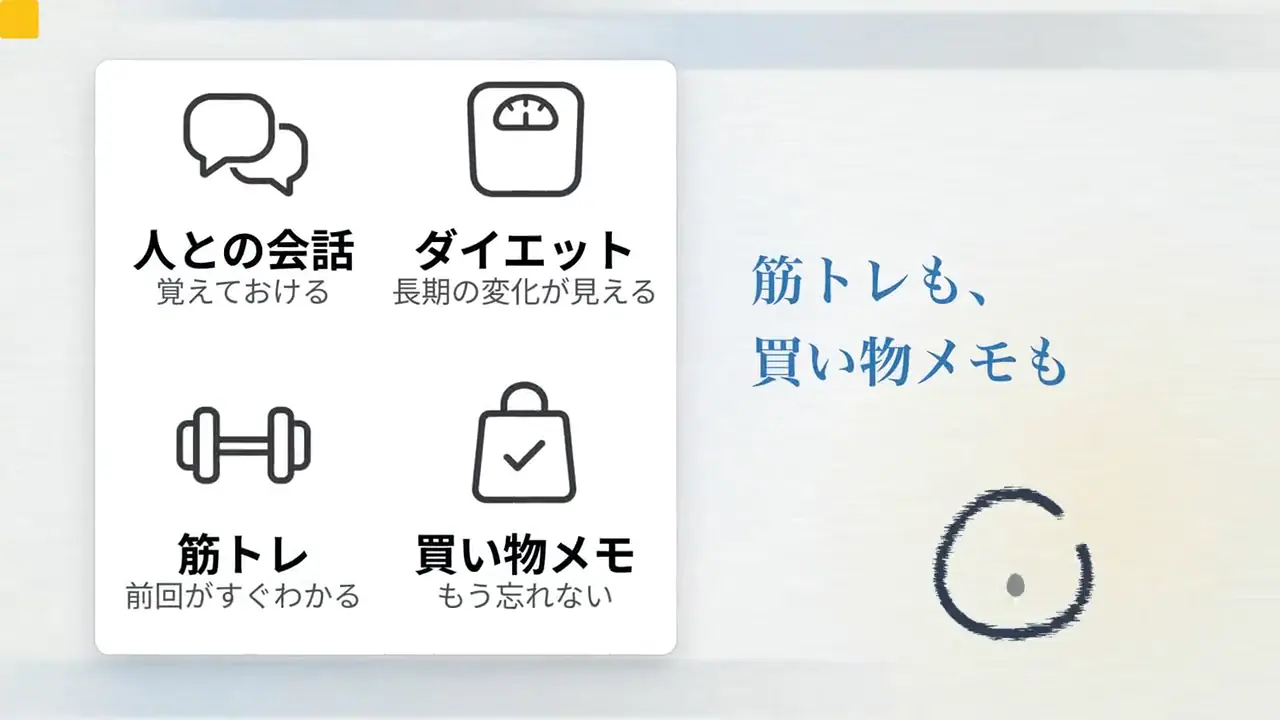
- People who find keeping records a hassle
- People who want to log weights and reps for their workouts and check the last session right away
- People who want to log meals and weight and see how things change over a long period
- People who want to note what they talked about and where they went with someone, and recall it before meeting again
Screenshots
Pricing and availability
- Where to get it
- App Store (Japan only)
- Price
- Basic: ¥500/month (tax included), Premium: ¥1,500/month (tax included) (billed through the App Store; first-time users get 14 days free)
- Platforms
- iPhone (iOS 16.4 or later), Japanese only
Maker

The commercial transactions notice on the official site lists the trade name as Memory Bucket運営 (Memory Bucket operations).
The App Store description says the app was released in September 2026.
FAQ
Can I try it for free?
First-time users can use it free for 14 days, with no sign-up for a plan or payment needed.
You are not charged automatically after the free period, and you sign up for a plan if you want to continue.
Is there a limit on how much I can use it?
Entering records and processing such as finding or summarizing past records use Memory Bucket Point (MBP).
Daily MBP is restored every day at 3 a.m. (Japan time), and Monthly MBP on the 1st of each month at 3 a.m. (Japan time).
When you run out of MBP, you cannot use the app until it is refilled.
Higher plans give you more MBP.
Can I change how it replies?
In the customization on the settings screen, you can register reply preferences such as "Keep replies as short as possible," your own recording rules and long-term goals.
You can also set what it calls you and how it talks directly from the settings screen.
What happens to the images I add?
The app reads what is in the image and uses it for records and replies.
It is not a feature for keeping the images themselves for a long time.
How do I cancel?
Open Apple Account from the iPhone "Settings," then choose Memory Bucket under "Subscriptions" to cancel.
Deleting your account does not cancel the App Store subscription automatically.
Memory Bucket
An AI record-keeping app for iPhone: just talk to save records, and ask to get them back when you need them
Visit the official page